How to write easy read

Easy read makes information easier to understand. It uses simple language, clear layouts and images to help explain the words.
Easy read is often created for people with learning disabilities, but it can also be helpful for other people who find written information difficult to understand.
Writing good easy read is not just about making sentences shorter or adding pictures. You need to think carefully about what people need to know and how to explain it clearly.
Here are some tips for creating good easy read information.
Start with the most important information
You do not always need to include everything from the original information in an easy read version.
Think about what someone needs to know or do. Focus on the important information and leave out anything they do not need.
Be careful not to leave out information that could affect someone's choices or what they need to do.
Use simple language
Use familiar, everyday words wherever possible. Keep sentences short and focus on one idea at a time.
Use active voice. This means saying who will do what, rather than focusing on what will happen. It usually makes sentences easier to understand.
Instead of:
Applicants will be notified of the outcome following the interview.
Use:
We will tell you if you got the job after the interview.
Avoid jargon and complicated language. Sometimes you will need to use a difficult word because it is important for the person to know it. Explain what the word means when you first use it.
Write acronyms in full the first time you use them.
Use images to help explain the information
Images are an important part of easy read. They should help someone understand the words and information.
Use images throughout your easy read to support the words. Each image should help explain the information next to it. In most cases, each new point or idea should have an image to help the reader understand it.
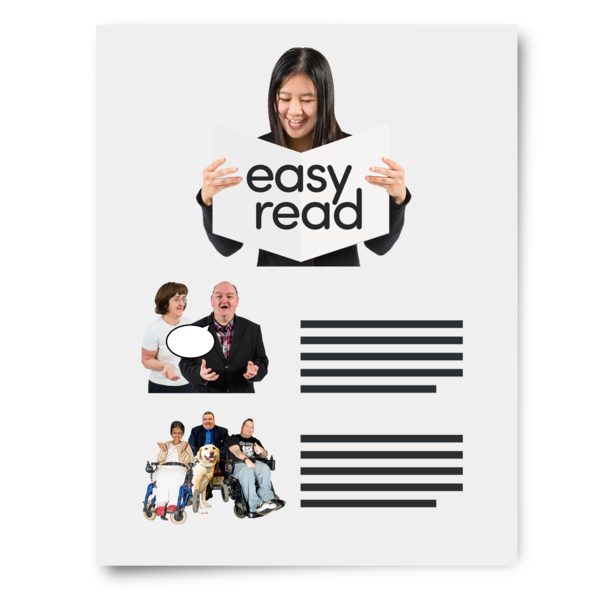
Put the image on the left and the words it relates to on the right. Keep the image and words together so it is clear that they belong to each other.
Choose images that clearly show what the words mean. Avoid generic or decorative images that do not help explain the information.
Read our guide on finding images for easy read.
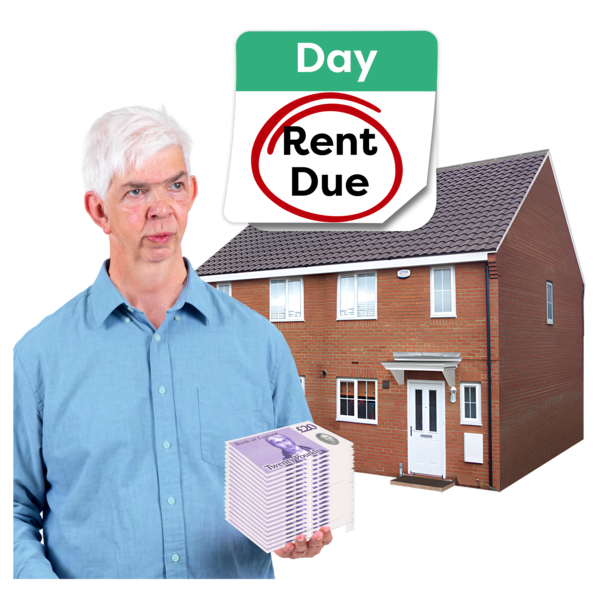
Example of an easy read image for ‘rent'.
Make the layout easy to follow
Keep your layout simple and consistent. Give text and images plenty of space and avoid putting too much information on one page.
Use a simple sans serif font, such as Arial. Use a large font size of at least 18pt. Keep text left aligned and avoid italics, underlining and writing whole sentences in capital letters.
Try to keep your easy read to around 10 pages or fewer. Longer documents can be harder to understand and may feel overwhelming. If you have a lot of information, think about whether you can remove anything that is not essential or split the information into separate easy read documents.
You should not use tables to create your easy read layout. Tables should be used for data, not to position images and text on a page. They can make the document confusing for people using screen readers.
We recommend using PowerPoint to create easy read documents. It gives you more control over where you place your text and images without relying on tables. You can then save your finished document as a PDF.
Make sure it is accessible
Easy read information should also be accessible to people who use assistive technology.
Use headings to organise the information and make sure the reading order is correct. If you create your easy read in PowerPoint, use the Reading Order Pane to check that the content will be read in the right order.
Easy read images should support the words next to them, not add extra information. Because the image and text should mean the same thing, you do not usually need to add alt text. This would make a screen reader read the same information twice. Instead, mark the image as decorative so the screen reader skips it.
If you save your easy read as a PDF, check the PDF is accessible before publishing it.
Test your easy read
People with learning disabilities are the experts in whether your easy read information is actually easy to understand.
Try to involve people with learning disabilities when creating or testing your easy read. They can help you find words, images or information that are confusing.
Feedback can also help you understand what works well and improve the easy read information you create in the future.
Need help with easy read?
We create clear, accessible easy read information for organisations. We can also provide user testing with people with learning disabilities to make sure your information is easy to understand.
We also provide easy read training for teams who want to learn how to create better easy read information themselves. Get in touch.