
Blog
Practical accessibility guides, tips and best practice to help you create more accessible content.
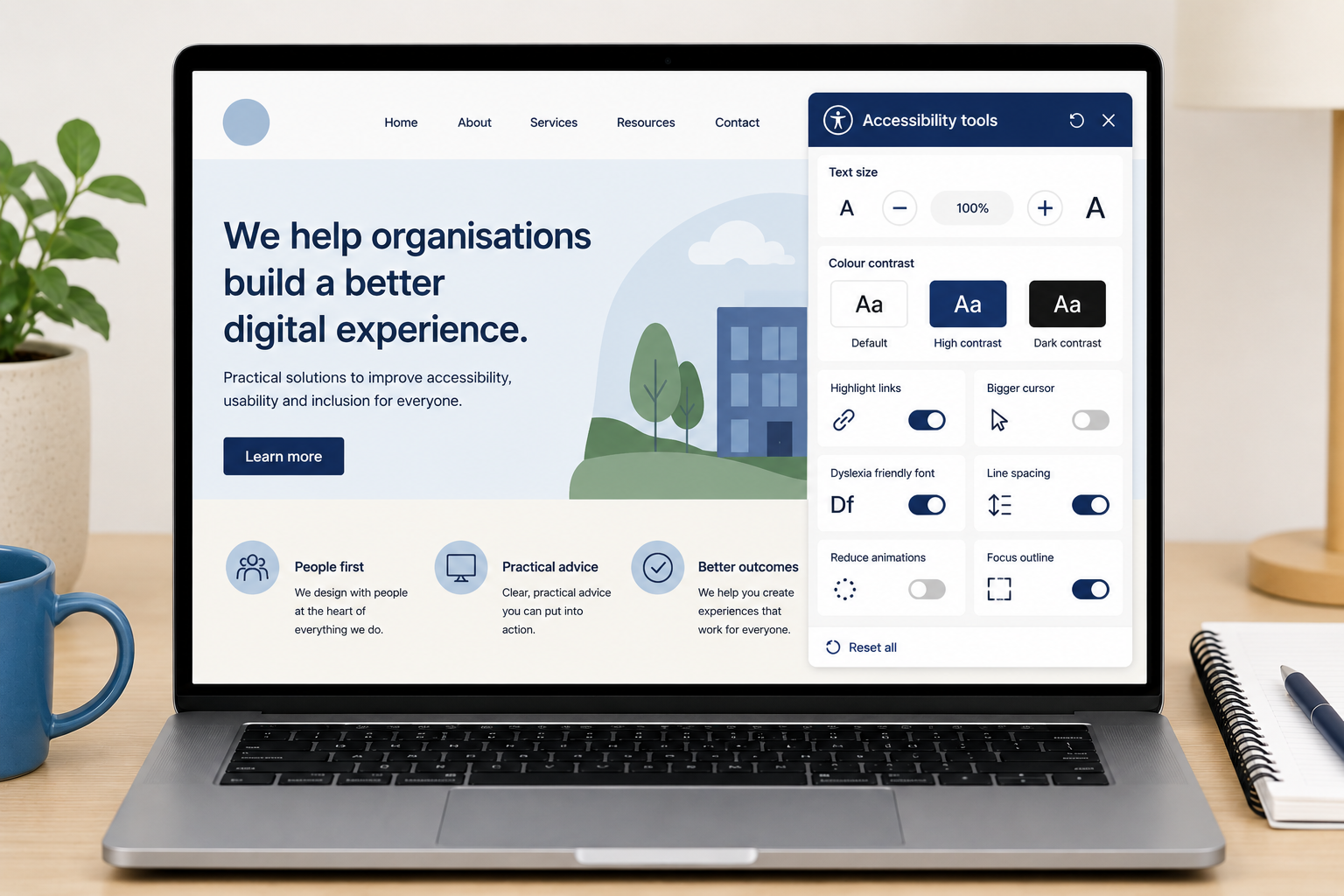
Are accessibility overlays good or bad?
Accessibility overlays might seem like an easy way to make your website more accessible. But they do not fix accessibility problems and can actually make your website harder for people with disabilities to use.
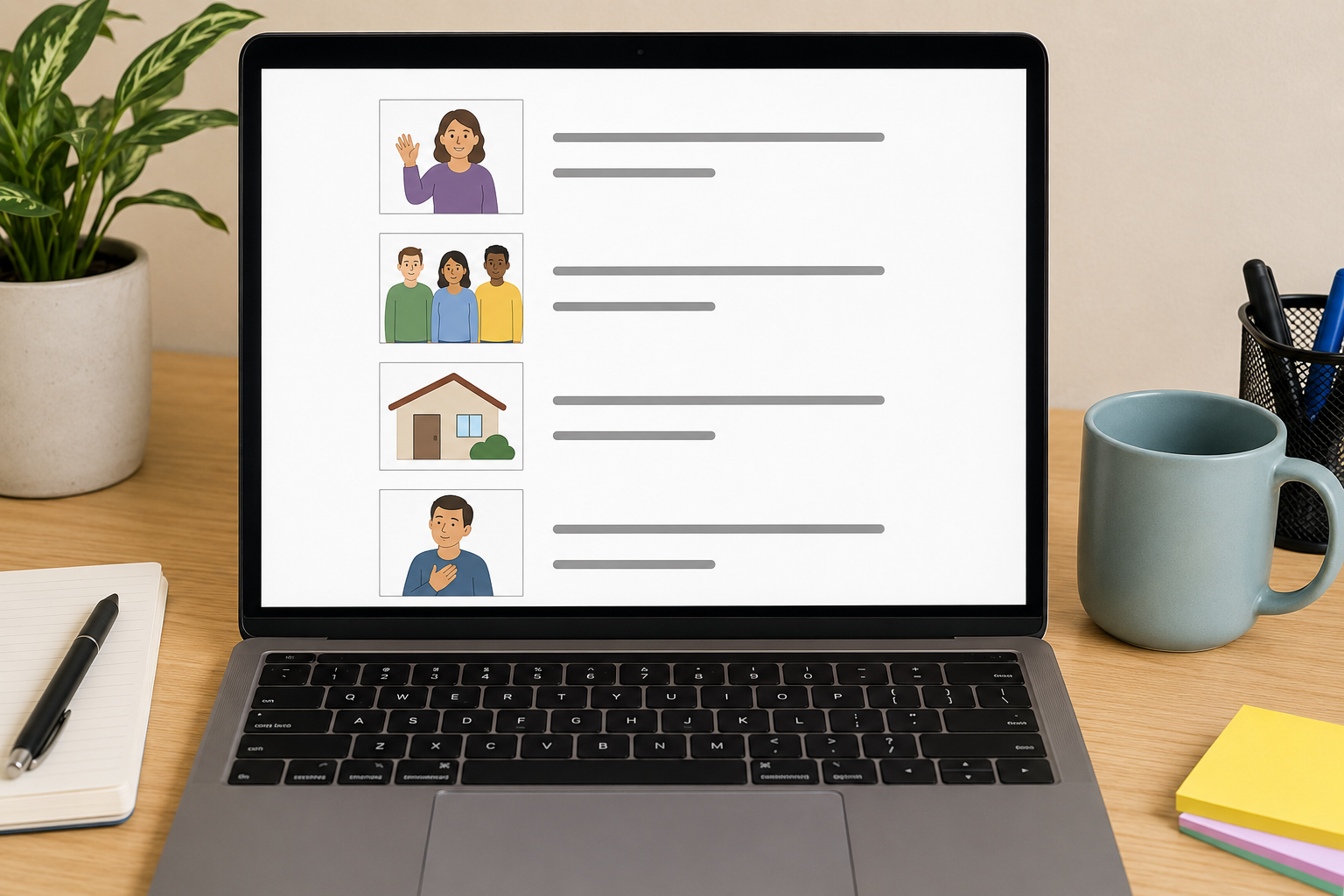
How to write easy read
Learn how to write good easy read information using simple language, clear images and accessible layouts, with practical tips and examples.
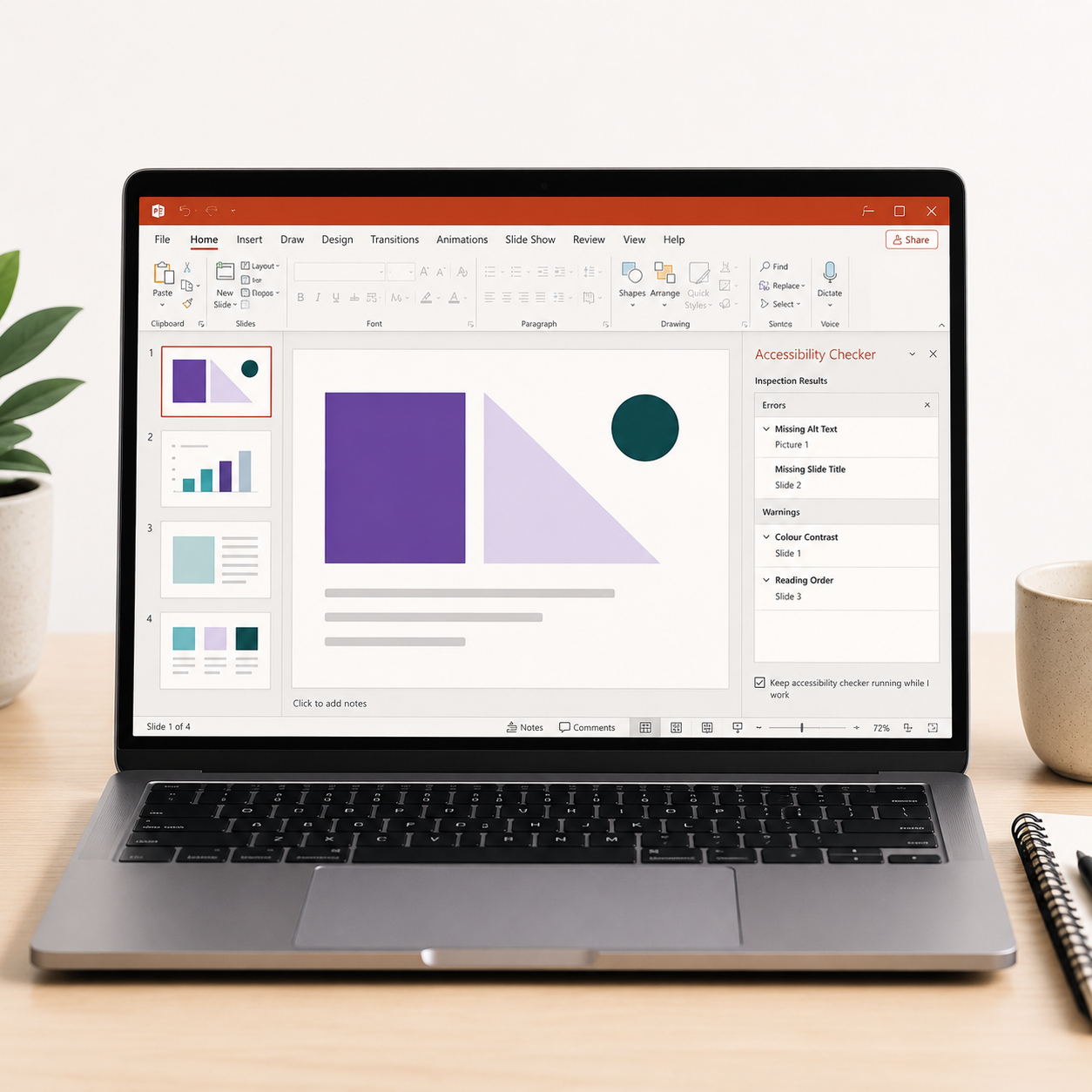
Accessible PowerPoint presentations
Microsoft PowerPoint has built-in features to help make your documents and presentations accessible. A few small changes to the way you work can make a huge difference to your users.

Making Word documents accessible
Accessibility is not just for websites. To be compliant, the documents on your website must be accessible too.

Accessibility and the law
What does the law in the UK say about digital accessibility and how does it affect your company?

Finding photos for Easy Read
Easy Read is an accessible form of content writing for people with learning disabilities using pictures. Find out where to get the best pictures for Easy Read.
How to add captions to Instagram stories
Any Instagram stories with speech in should have captions. It’s very quick and easy - here’s where to find them.

Digital accessibility in the workplace
Many disabilities are hidden, which means you are probably working with people who have a disability without knowing. Follow these simple, free tips to be inclusive.

Making your videos accessible
Making your videos accessible not only shows a commitment to diversity and inclusion but can also expand your audience and increase engagement with your content.

What is website accessibility Easy Read
Not everyone may understand what accessibility means, so we’ve created an Easy Read guide to help explain it.

Social media accessibility checklist
Download our free social media accessibility checklist.

WCAG made easy for content creators
WCAG is notoriously confusing. That’s why we try to make it as simple as possible, highlighting the key accessibility requirements content creators need to know.

Alternative text on social media
How to write alternative text for Twitter, LinkedIn, Facebook and Instagram.

How to write accessible links
How to write accessible descriptive links for screen reader users.

Making online meetings accessible
More than 2 million people have a vision impairment in the UK. Make your online meetings as accessible as possible so you don’t discriminate against your attendees.

Make your language accessible
Using accessible language isn’t just for people with disabilities, it’s better for everyone.

Digital accessibility and the elderly
Technology is growing at an incredible rate. Unfortunately, as the industry grows there are some people in danger of being left behind. Read how technology can affect the elderly and what you can do to help.

Accessible emails
With 14 million in the UK having a disability, you’re probably emailing people with a disability without knowing. It is important to be inclusive by making your communication accessible.

Free accessibility tools for content creators
Whether you are creating online content, documents, presentations, blog posts or learning materials you must make sure your content is accessible. These are some of the best, free, accessibility tools.
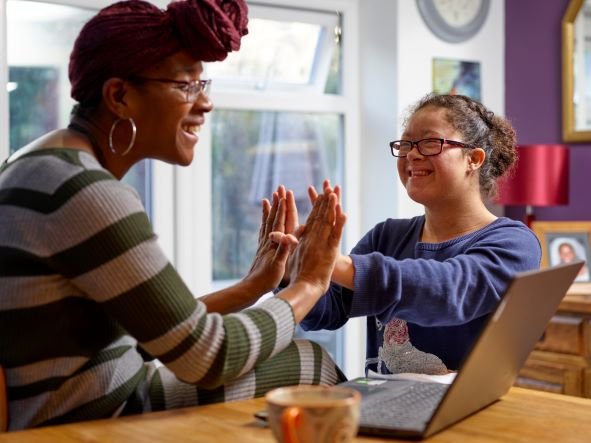
Writing accessible content
Writing accessible content ensures everyone can understand what you are trying to say. Clearer content is better for everyone.